
To reduce screen fatigue without going offline, you can adjust your workspace for comfort—position your screen at eye level and keep it about an arm’s length away. Use blue light filters or glasses and match your screen brightness to ambient light. Remember to take regular breaks using the 20-20-20 rule and perform eye exercises to relax muscles. Proper lighting and good posture also help. Keep exploring for more tips to keep your eyes healthier and more comfortable.

Get audio and creator gear delivered free — and shop member deals
- Fast, free delivery on millions of items
- Access to Prime Big Deal Days deals on October 6–7
- Prime Video, Amazon Music and more included
Key Takeaways
- Use blue light filters or glasses to minimize eye strain during screen time.
- Follow the 20-20-20 rule: look 20 feet away for 20 seconds every 20 minutes.
- Adjust screen brightness and position for optimal visual comfort and reduced glare.
- Take short, frequent breaks to relax eye muscles and prevent fatigue.
- Ensure proper lighting and ergonomic workspace setup to support eye health and reduce strain.
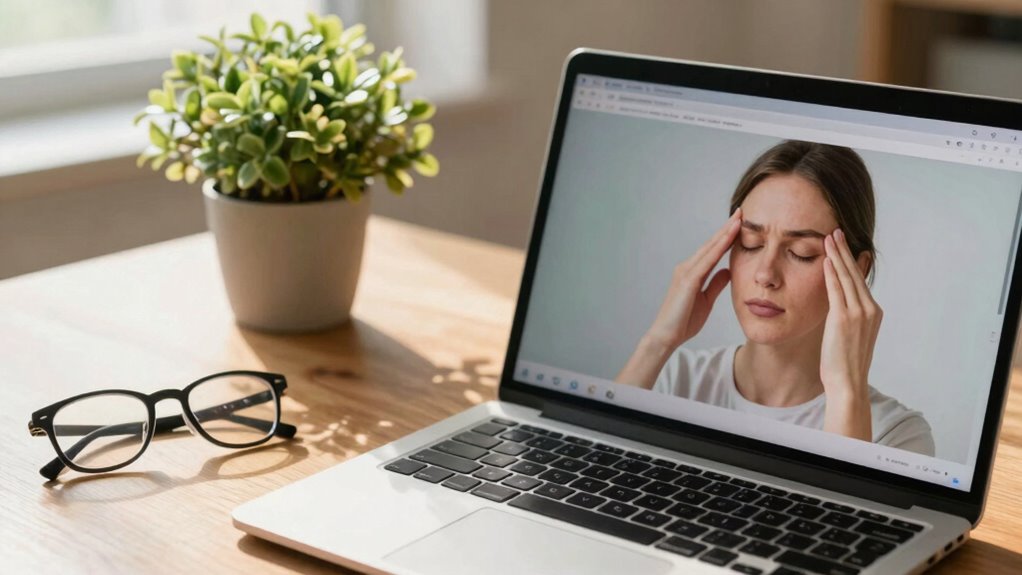
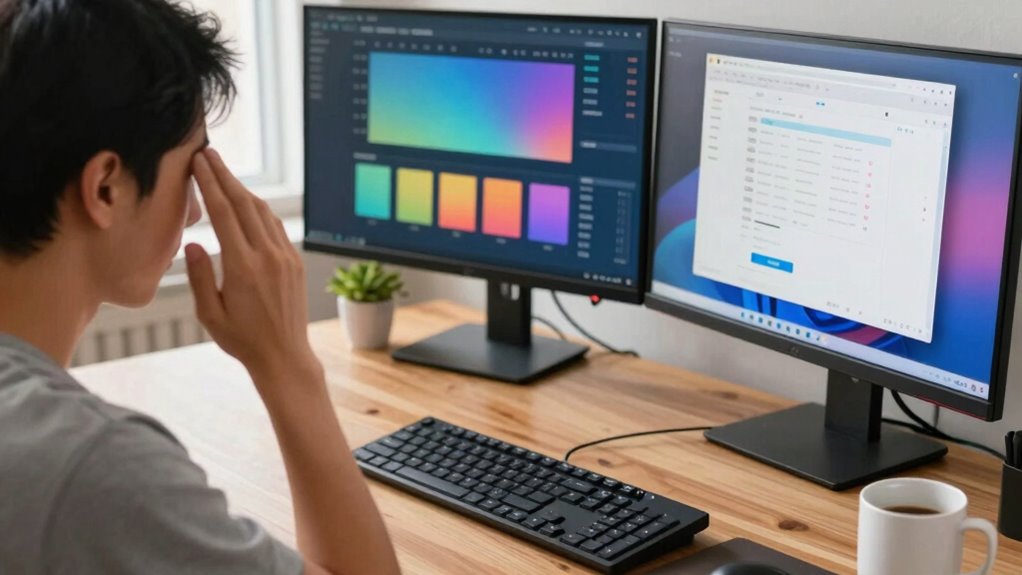
Have you ever felt tired or strained after hours of staring at a screen? That’s a common sign of screen fatigue, which can lead to headaches, eye discomfort, and decreased productivity. One way to combat this is by paying attention to how blue light affects your eyes. Blue light, emitted by screens, can disrupt your sleep cycle and cause eye strain if you’re exposed to it for long periods. To reduce its impact, consider using blue light filters or glasses designed to block blue light during your work hours. Many devices now come with built-in settings to reduce blue light emission, so take advantage of those features. Additionally, adjusting your screen’s brightness to match ambient lighting can lessen eye strain. If your screen is too bright or too dim compared to your surroundings, your eyes have to work harder to focus, leading to fatigue.
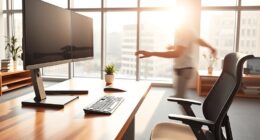
Beyond managing blue light, ergonomic tips play an essential role in reducing screen fatigue. Position your screen so that it’s about an arm’s length away from your eyes and the top of the screen is at or just below eye level. This setup prevents you from tilting your head up or down, which can cause neck and shoulder pain over time. Make sure your chair supports good posture, keeping your back straight and feet flat on the floor. Your wrists should rest comfortably on your desk or keyboard without bending excessively. Using an adjustable chair and monitor stand allows you to customize your workspace for maximum comfort. Taking regular breaks is necessary; follow the 20-20-20 rule—every 20 minutes, look at something 20 feet away for at least 20 seconds. This simple habit helps relax the eye muscles and reduces strain. Incorporating ergonomic workspace setup** tips can further enhance your comfort and minimize fatigue. Additionally, being aware of blue light exposure can help you make more informed choices about your screen time and protective measures. Remember that proper lighting in your workspace can also play a crucial role in reducing eye strain by minimizing glare and contrast issues. Managing your screen time management is also essential to prevent overexposure and support overall eye health. Moreover, staying mindful of visual ergonomics can help you create a more comfortable** and healthy digital workspace.
Incorporating these ergonomic tips and managing blue light exposure can markedly lessen screen fatigue without needing to go offline entirely. Remember, your eyes and body need regular relief from prolonged screen time. Adjust your workspace setup to promote good posture, regulate screen brightness, and use blue light filters. Don’t forget to give your eyes frequent breaks and look away periodically to prevent fatigue from creeping in. Small changes like these can make a big difference in how comfortable you feel during long work hours, helping you stay productive and avoid unnecessary discomfort. By being mindful of your screen habits and environment, you can continue working efficiently without sacrificing your eye health or comfort.
As an affiliate, we earn on qualifying purchases.
Frequently Asked Questions
Can Specific Screen Filters Help Reduce Eye Strain Effectively?
Yes, specific screen filters can help reduce eye strain effectively. Screen filter benefits include blocking blue light and reducing glare, which are key for eye strain prevention. By applying these filters, you lessen the harshness of screen brightness, making viewing more comfortable during long hours. This simple adjustment can considerably decrease eye fatigue, help maintain your eye health, and improve overall comfort without needing to go offline or take extended breaks.
What Are the Best Ergonomic Setups for Long Screen Use?
You should focus on ergonomic setups that promote good posture and organize your desk efficiently. Adjust your chair so your feet rest flat on the floor, and keep your monitor at eye level to avoid neck strain. Incorporate posture adjustments like supporting your lower back and maintaining relaxed shoulders. Keep your workspace clutter-free, with essential items within reach, to reduce unnecessary movements and enhance comfort during long screen sessions.
How Does Blue Light Impact Sleep Quality?
Blue light bombards your brain, boosting alertness but disturbing your sleep cycle. When you’re exposed to blue light, it suppresses melatonin, making it harder to fall asleep and stay asleep, leading to sleep disruption. You might wake up feeling weary and worn out. To protect your sleep, consider dimming screens, using blue light filters, or taking regular breaks. Prioritize peaceful, pitch-dark environments for the best rest.
Are There Any Effective Eye Exercises for Fatigue Relief?
You can relieve eye fatigue with simple exercises like eye relaxation and blink training. Practice eye relaxation by closing your eyes gently for a few seconds, then opening them wide, repeating several times. Incorporate blink training by consciously blinking more often to keep your eyes moist and reduce strain. These exercises help refresh your eyes, reduce dryness, and lessen fatigue, making your screen time more comfortable without needing to go offline.
How Often Should I Take Breaks During Screen Time?
Think of your eyes as a car engine that needs regular stops to avoid overheating. During screen time, take a break every 20 minutes, ideally for about 20 seconds to 1 minute, to let your eyes rest. Break frequency helps prevent fatigue and strain. Stand up, stretch, or look away at distant objects. Consistent breaks keep your eyes fresh and reduce discomfort, so you stay productive and comfortable.
As an affiliate, we earn on qualifying purchases.
Conclusion
So there you have it—just a few simple tricks to keep your eyes from turning into digital raisins. But hey, who needs a clear mind and healthy vision when you can keep scrolling endlessly? Remember, avoiding screen fatigue isn’t about living in a cave, but maybe, just maybe, you could try looking up once in a while. Or don’t. After all, who needs reality when you’ve got a perfectly curated feed?
adjustable ergonomic office chair
As an affiliate, we earn on qualifying purchases.
As an affiliate, we earn on qualifying purchases.
blue light filter screen protector
As an affiliate, we earn on qualifying purchases.
As an affiliate, we earn on qualifying purchases.
Halloween Picks
halloween
As an affiliate, we earn on qualifying purchases.