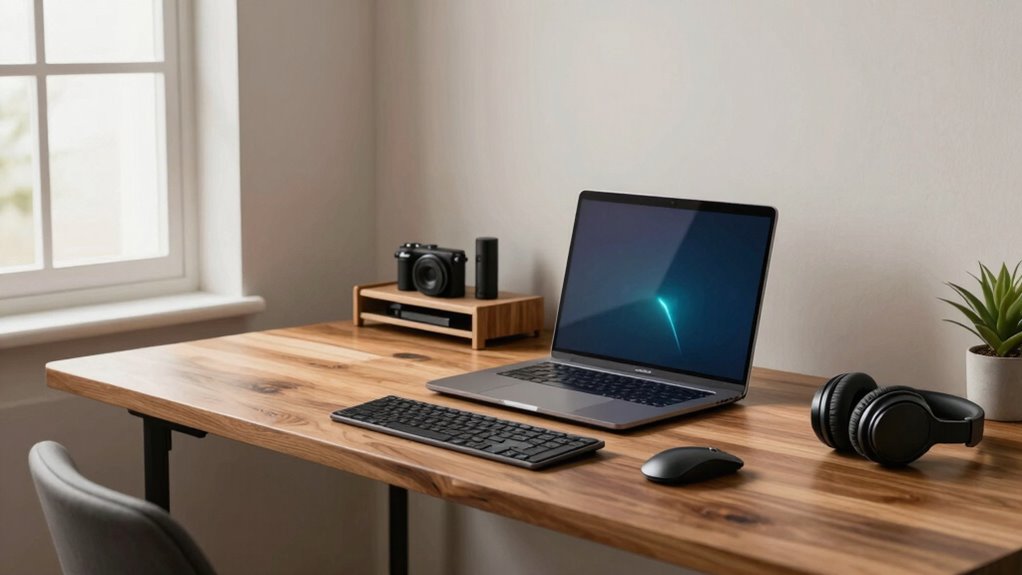

To make your expensive gear work better, you need to prioritize ergonomic accessories like adjustable chairs, keyboards, and monitor stands, paired with proper lighting. Set your workspace so your screens are at eye level, and your wrists stay comfortable while typing. This reduces strain and maximizes gear performance. When you combine these ergonomic and lighting strategies, your setup becomes more efficient and healthier. Keep exploring to discover how to perfect your home office environment even further.
Key Takeaways
- Proper ergonomic integration enhances the effectiveness of high-end gear by supporting natural body movements.
- Adjusting monitor height to eye level reduces strain, maximizing expensive monitor investments.
- Using ergonomic accessories like supportive chairs and keyboards prevents discomfort, ensuring high-quality gear performs optimally.
- Optimizing lighting conditions decreases eye fatigue, complementing premium equipment for better focus.
- Customizing workspace layout based on ergonomic principles amplifies the benefits of costly gear and boosts productivity.
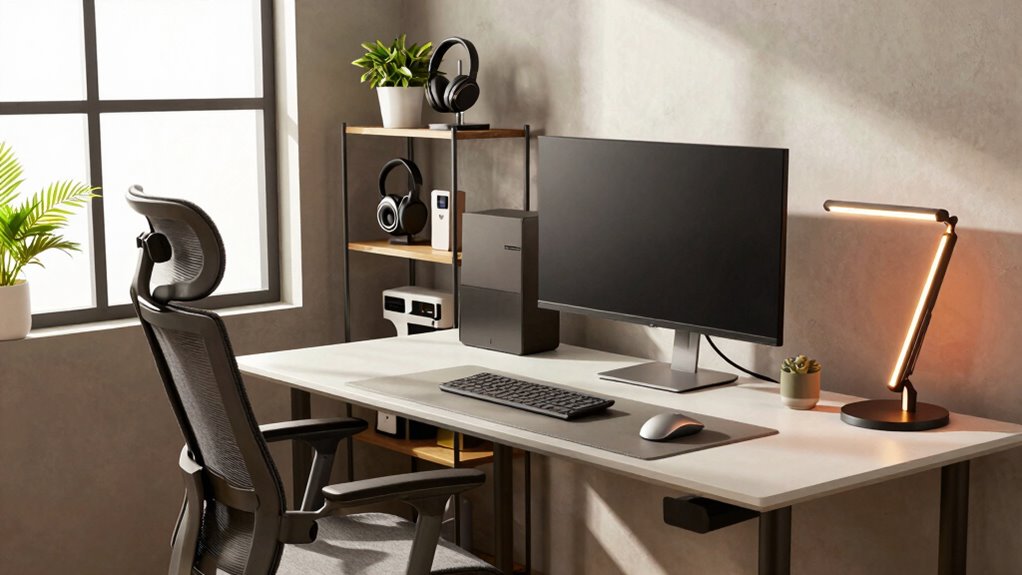
Are you wondering how to create an efficient and comfortable home office? The key isn’t just in having the right desk or a high-end chair; it’s about making every piece work together seamlessly. One of the most effective ways to do this is by focusing on a simple but powerful rule: prioritize ergonomic accessories and lighting optimization. When you apply this rule, even expensive gear becomes more effective, helping you stay comfortable and productive for longer.
Start with ergonomic accessories. These aren’t just fancy add-ons; they’re essentials for maintaining your health and focus. An ergonomic keyboard and mouse can reduce strain on your wrists and prevent discomfort over hours of work. Adjustable monitor stands help you position your screen at eye level, which minimizes neck strain and encourages better posture. Investing in a supportive, adjustable chair is great, but pairing it with ergonomic accessories ensures your entire setup supports your body’s natural alignment. The goal is to create a workspace where your muscles and joints aren’t stressed, so you can work comfortably without pain or fatigue. When ergonomic accessories are integrated properly, their benefits multiply, making even high-end gear more effective because you’re using it in a way that supports your body. Additionally, ergonomic principles can guide you in designing a workspace that promotes comfort and efficiency, especially when combined with lighting optimization strategies. Proper lighting placement is also crucial, as it can reduce eye strain and enhance focus. Understanding the importance of ergonomic design can further help you customize your workspace to fit your specific needs, ultimately boosting your overall comfort and productivity.

TRALT Office Chair – Ergonomic Desk Chair with Adjustable Lumbar Support, Mesh Computer Chair, Executive Chairs for Home Office Comfortable Lumbar Support (Black)
- High-Resilience Foam Seat: Maintains shape and comfort over time
- Adjustable Lumbar Support: Customizable tension for lower back relief
- Breathable Mesh Backrest: Ensures airflow and durability
As an affiliate, we earn on qualifying purchases.
As an affiliate, we earn on qualifying purchases.
Frequently Asked Questions
How Do I Determine the Best Ergonomic Setup for My Space?
To determine the best ergonomic setup, start by choosing a supportive ergonomic chair that keeps your feet flat and your knees at a 90-degree angle. Adjust your desk height so your forearms are parallel to the floor when typing. Make certain your monitor is at eye level to avoid neck strain. Regularly test and tweak these elements until your workspace feels comfortable, reducing fatigue and boosting productivity.
What Are Cost-Effective Ways to Upgrade My Home Office Gear?
You don’t need to spend a fortune to upgrade your home office. Focus on smart desk organization to maximize space and efficiency, and invest in affordable lighting solutions like adjustable desk lamps or LED strips to reduce eye strain and boost productivity. These cost-effective tweaks can make your workspace more comfortable and functional without breaking the bank, helping you work smarter and feel better while doing it.
How Often Should I Replace or Upgrade My Equipment?
You should consider replacing or upgrading your equipment every 3 to 5 years to keep up with technology and maintain productivity. As you update your office decor and lighting options, evaluate if your current gear still meets your needs or if new features can enhance your workspace. Regular upgrades ensure your tools stay efficient, and invigorating decor creates a motivating environment, making your home office more comfortable and functional over time.
Are There Specific Brands Recommended for High-Quality Home Office Gear?
You might be surprised, but some luxury brands deliver incredible quality that elevates your workspace. For premium accessories, consider brands like Bang & Olufsen for audio, Apple for seamless tech, and Herman Miller for ergonomic chairs. These premium options guarantee durability, style, and performance, making your investment worthwhile. While they cost more, their quality often outlasts cheaper alternatives, transforming your home office into a luxurious, efficient workspace you’ll love to work in every day.
How Can I Improve Wi-Fi Stability in a Home Office Environment?
To improve Wi-Fi stability, start by optimizing your network security to prevent interruptions from unauthorized users. Position your router in a central location away from interference and guarantee your lighting setup minimizes glare on screens, which can indirectly affect your focus and productivity. Regularly update your router’s firmware and consider a mesh network if your space is large. These steps help create a reliable, secure, and comfortable home office environment.

Amazon Basics Height Adjustable Monitor Stand Riser with Storage Organizer, 3-Level Stackable Design, Durable ABS Plastic, Supports up to 22lbs, for Monitors & Laptops, Black
- Top Surface Dimensions: 11.6 x 11 inches with tapered edges
- 3-Level Height Adjustment: Adjustable heights of 2.87, 4.2, 4.8 inches
- Stackable Design: Three-tier height customization
As an affiliate, we earn on qualifying purchases.
As an affiliate, we earn on qualifying purchases.
Conclusion
Remember, it’s not about filling your desk with the priciest gear, but about making what you have work smarter. Just like a cozy chair can be more comfortable than an expensive one if it suits you, your setup’s success hinges on smart choices, not costly gadgets. So, focus on comfort and organization—sometimes, simplicity outperforms luxury. After all, a well-thought-out space beats the fanciest equipment when it comes to productivity and peace of mind.

Wireless Keyboard and Mouse Combo, 2.4G Ergonomic Wave Keys(Black)
- Wave Ergonomic Design: Fits fingers and relieves wrist strain
- Adjustable Keyboard Stand: Set to comfortable height for long use
- Contoured Wireless Mouse: Fits palm naturally for comfort
As an affiliate, we earn on qualifying purchases.
As an affiliate, we earn on qualifying purchases.

Airlonv LED Desk Lamp with Clamp, 17" Stepless Dimming Light, Black
- Stepless Dimming and Color Adjustment: Adjust brightness from 1% to 100% and color from 2700K to 6500K
- 360° Adjustable Flexible Gooseneck: Full control over light direction with durable, heat-dissipating materials
- Long Lifespan and Heat Dissipation: Made of aluminum and ABS for up to 60,000 hours of use
As an affiliate, we earn on qualifying purchases.
As an affiliate, we earn on qualifying purchases.