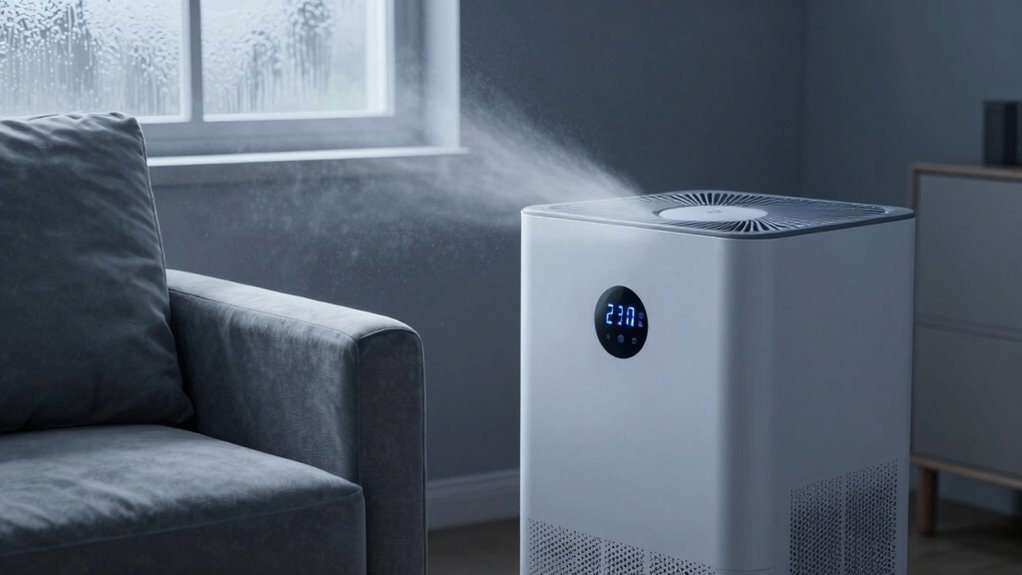

If you set your dehumidifier too low, it can make your room feel worse by making the air overly dry. Dry air can cause discomfort, irritated respiratory systems, and dry skin. It may also increase static electricity and reduce air quality. Keeping the humidity below the ideal range of 40-50% can worsen how your space feels. To learn how to set it just right, keep exploring more tips for a comfortable, healthy environment.

Get audio and creator gear delivered free with Prime
- Fast, free delivery on millions of items
- Prime Video, Amazon Music and more included
- Member-only deals all year
Key Takeaways
- Setting humidity too low can dry out the air excessively, causing discomfort and skin irritation.
- Over-drying may increase static electricity and respiratory irritation, making the environment feel worse.
- Running the dehumidifier at very low settings can lead to energy waste without improving comfort.
- Incorrect placement or airflow issues reduce dehumidifier efficiency, worsening room humidity levels.
- Improper maintenance or frequent cycling can cause inconsistent humidity, making the room feel uncomfortable.
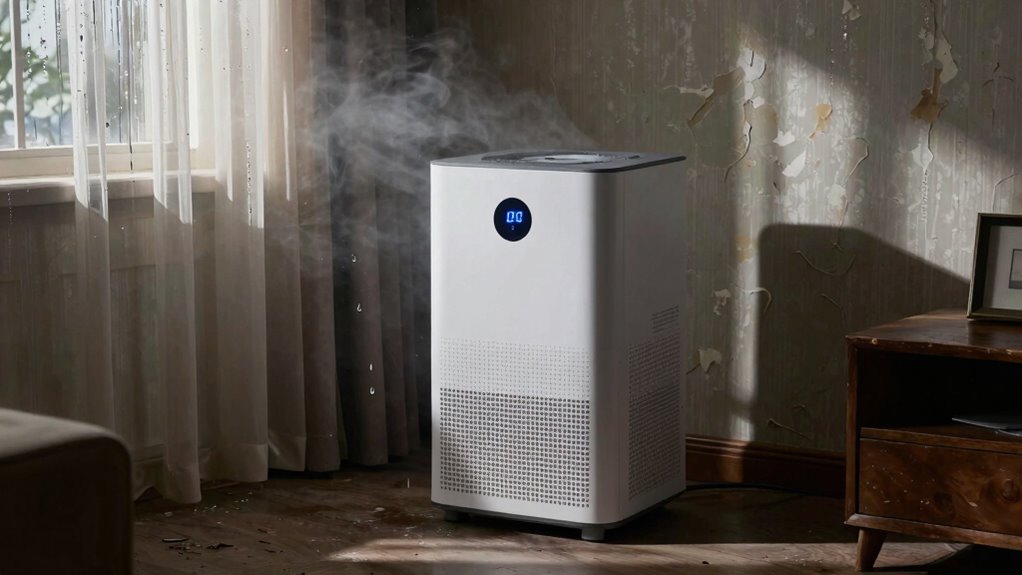
While dehumidifiers are designed to improve indoor air quality, choosing the wrong setting can actually make your room worse. If you set your dehumidifier too low, you might think you’re enhancing comfort, but instead, you’re risking overly dry air that causes discomfort and further air quality issues. Conversely, setting it too high won’t effectively reduce humidity, leaving your room feeling damp and stale. The key is finding a balance that elevates air quality without overdoing it.
One common mistake people make is setting the humidity level too low, aiming for maximum dryness. While lower humidity can help prevent mold and dust mites, excessively dry air can irritate your respiratory system, cause dry skin, and increase static electricity. This not only affects comfort but can also diminish air quality improvement because dry air can lead to the release of particles and allergens into the atmosphere. To avoid this, aim for a humidity level between 40% and 50%. This range is widely recommended for comfort and health, ensuring the air isn’t too dry or too moist, which supports better air quality. Maintaining proper humidity levels also contributes to energy efficiency, preventing unnecessary energy use due to overworking the dehumidifier. Additionally, understanding how airflow impacts the dehumidifier’s performance can help optimize its operation and efficiency. Proper airflow is essential for the dehumidifier to function correctly and avoid uneven humidity distribution within the space. Ensuring good air circulation can further enhance the overall effectiveness of your dehumidification efforts.
Energy efficiency tips come into play when you consider your dehumidifier’s setting. Running it at a very low humidity setting constantly can lead to unnecessary energy consumption, as the unit works harder to achieve that target. Instead, set the dehumidifier to a moderate level and let it cycle naturally. Many modern units have smart features that auto-regulate based on real-time humidity levels, saving energy while maintaining suitable air quality. Also, ensure your dehumidifier is appropriately sized for the room; a unit that’s too powerful can cycle on and off frequently, wasting energy and creating fluctuations in humidity that can make the environment feel uncomfortable. Proper placement and airflow can significantly enhance its efficiency and effectiveness. Keep it away from walls and furniture to allow for adequate airflow, and avoid placing it in areas with extreme temperature fluctuations. Regular maintenance, like cleaning filters and emptying the water reservoir, ensures the device runs efficiently and effectively. By setting your dehumidifier correctly and maintaining it properly, you can prevent it from becoming a source of discomfort or inefficiency. Instead, it becomes a helpful tool for air quality improvement, creating a healthier, more comfortable environment while also saving energy. Adjusting your settings thoughtfully ensures you get the benefits without the drawbacks, making your space both more pleasant and efficient.
Popular right now

Hisense 43-Inch E6 Cinema Series Hi-QLED 4K UHD Smart Fire TV (43E6QF)

TCL 43-Inch 4K UHD Smart LED Roku TV (43S435, 2021 Model)

De'Longhi La Specialista Arte Evo Espresso Machine with Grinder
As an affiliate, we earn on qualifying purchases.
Frequently Asked Questions
Can Improper Dehumidifier Placement Affect Room Comfort?
Yes, improper dehumidifier placement can affect your room comfort. If you place it too close to walls or furniture, it can cause uneven moisture removal, leading to a moisture imbalance. This might make the room feel damp or stuffy. Additionally, poor placement can increase dehumidifier noise, disturbing your peace. To avoid these issues, position it in a central spot with good airflow, ensuring ideal moisture control and quieter operation.
How Does Room Size Influence Dehumidifier Settings?
Did you know that larger rooms need dehumidifiers with higher capacity? Room size directly influences dehumidifier settings because bigger spaces require more humidity removal to maintain ideal humidity levels. If you set your device too low, humidity may stay high, causing discomfort. Conversely, in well-ventilated rooms, you can set the dehumidifier lower, preventing over-drying and ensuring a comfortable environment. Adjust settings based on room size and ventilation for best results.
Are There Specific Symptoms Indicating Dehumidifier Overuse?
Yes, overusing your dehumidifier can cause symptoms like persistent dry skin, irritated eyes, or sore throats, indicating humidity levels are too low. You might also notice a musty smell or mold growth, which suggests the humidity isn’t properly controlled. If your room feels uncomfortably dry or you see mold developing, it’s a sign you’re overusing it. Adjust the settings to maintain ideal humidity, typically between 30-50%.
What Are the Safety Risks of Incorrect Dehumidifier Settings?
Incorrect dehumidifier settings can pose safety risks by disrupting ideal humidity levels, leading to mold growth or dust mite proliferation. If you set the humidity too low, it can cause dryness and respiratory issues; too high, and it encourages mold. Additionally, improper settings can strain electrical safety, increasing the risk of overheating or short circuits. Always monitor your dehumidifier’s settings and guarantee it operates within recommended humidity ranges for safety.
How Often Should Dehumidifier Filters Be Cleaned?
For ideal airflow and filter maintenance, you should clean your dehumidifier filters every 2 to 4 weeks. Regular cleaning prevents dust buildup, boosts efficiency, and guarantees fresh, healthy air. Neglecting filter maintenance can lead to decreased performance and potential overheating. Keep your space comfortable by maintaining your dehumidifier’s filters diligently, guaranteeing consistent airflow and perfect operation. Remember, a clean filter equals a healthier, more harmonious home environment.
Conclusion
Remember, choosing the right dehumidifier setting is like tending a garden; too much moisture pulled away can leave your space barren and cold, while too little keeps it swampy. The key is balance—a gentle hand guiding the environment, not overpowering it. By understanding the symbolism of air and comfort, you’ll foster a room that breathes harmony. When you strike that perfect balance, your space becomes a sanctuary, not a battlefield.