
To protect your privacy while shopping online, enable two-factor authentication and use strong, unique passwords for each site. Check that websites use HTTPS to secure your data during transactions. Adjust privacy settings to limit data sharing and disable targeted ads. Keep your devices and apps updated to patch security vulnerabilities. Use privacy-focused extensions to block trackers and cookies. Taking these steps helps safeguard your personal information, and by exploring further, you can discover even more ways to enhance your online privacy.

Get audio and creator gear delivered free with Prime
- Fast, free delivery on millions of items
- Prime Video, Amazon Music and more included
- Member-only deals all year
Key Takeaways
- Enable HTTPS and verify URLs start with “https” to ensure secure data transmission during online shopping.
- Activate two-factor authentication (2FA) for added account security beyond passwords.
- Adjust privacy settings to restrict personal data sharing and disable targeted advertising.
- Regularly update devices, browsers, and security software to patch vulnerabilities.
- Review privacy policies to understand data handling and control your personal information effectively.
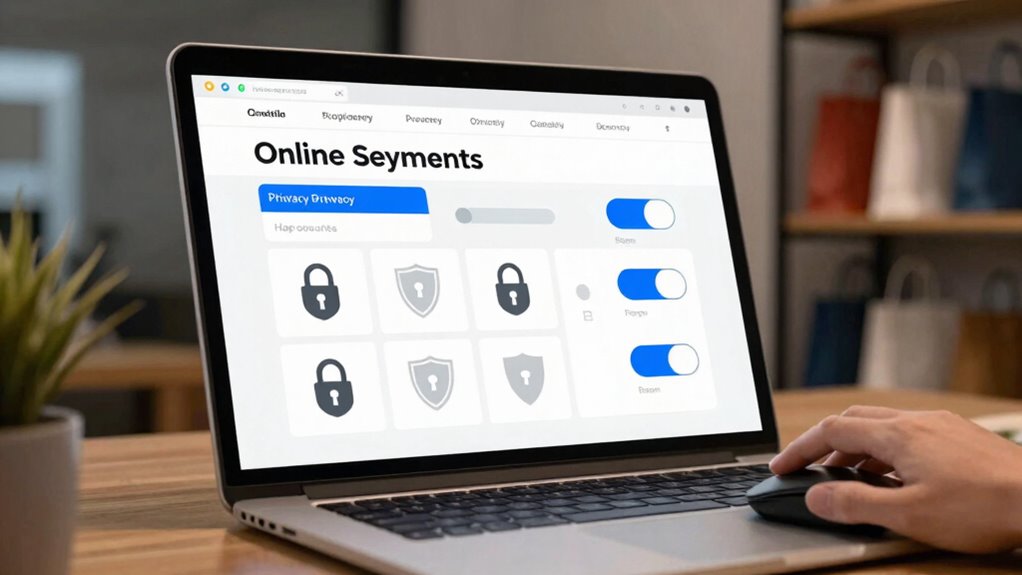
Online shopping has become a staple in modern life, but it also raises important privacy concerns. When you’re browsing for products or entering your payment details, your personal information is vulnerable if you don’t take proper precautions. Thankfully, there are specific online shopping settings you can adjust to better protect your privacy and keep your data safe. One of the most essential steps is understanding how data encryption works. When a website uses strong encryption protocols, like HTTPS, it guarantees that the information you send—credit card numbers, addresses, or login details—is scrambled and unreadable to anyone trying to intercept it. Always check that the site’s URL starts with “https” before entering sensitive information. This simple step helps prevent hackers from accessing your private data during transmission.
Account security is another key area you should focus on. Many online shopping platforms offer options to strengthen your account protection, like enabling two-factor authentication (2FA). With 2FA, you add an extra layer of security by requiring a second form of verification—such as a code sent to your phone—beyond just your password. This way, even if someone manages to steal your login credentials, they won’t easily gain access to your account. It’s also wise to create a strong, unique password for each shopping site, avoiding common or easily guessed passwords. Some platforms provide password managers to help you generate and store complex passwords securely, reducing the risk of unauthorized access.
Beyond account security, you should also review and customize your privacy settings on each shopping platform. Many sites allow you to control what personal information they can access and share. For example, you might choose to limit data sharing with third-party advertisers or disable targeted advertising based on your browsing activity. Adjusting these settings minimizes the amount of your data available online, reducing the chances of misuse or profiling. Also, consider using privacy-focused browser extensions that block trackers and cookies from gathering your browsing habits. Additionally, understanding home brewing and bar equipment tips can help you make better-informed decisions when shopping for related products online, ensuring you’re aware of quality and safety standards. Being aware of data encryption practices used by websites can further enhance your security awareness. It’s also beneficial to familiarize yourself with privacy policies to understand how your data is handled and what rights you have regarding your information. Moreover, being aware of online privacy practices can help you identify platforms that prioritize user data protection. Staying informed about security best practices can also empower you to recognize potential threats and avoid common pitfalls while shopping online.
Lastly, always keep your devices and apps updated. Software updates often include security patches that fix vulnerabilities which hackers might exploit. By maintaining up-to-date security software, you create a safer environment for your online shopping activities. Combining these settings—data encryption awareness, robust account security, privacy controls, and software updates—empowers you to shop more confidently without exposing your personal information to unnecessary risks. Protecting your privacy isn’t just about avoiding targeted ads; it’s about safeguarding your identity and financial security in an increasingly digital world.
two-factor authentication hardware key
As an affiliate, we earn on qualifying purchases.
As an affiliate, we earn on qualifying purchases.
Frequently Asked Questions
How Do I Reset My Privacy Settings on Shopping Sites?
To reset your privacy settings on shopping sites, start by logging into your account and browsing to the privacy or security section. From there, you can restore default settings and adjust preferences. Make sure to enable personal data encryption where available and review account security measures like two-factor authentication. Updating these settings helps protect your information, giving you better control over your privacy and preventing unauthorized access.
Are There Browser Extensions That Enhance Shopping Privacy?
Yes, browser extensions like tracking blockers can substantially enhance your shopping privacy. Some extensions manage browser permissions, ensuring sites can’t access your data without your consent. While it might seem complex to set up, many user-friendly options are available that automatically block trackers and ads, providing a smoother shopping experience without sacrificing privacy. You don’t have to struggle with permissions or intrusive ads—these tools make protecting your privacy straightforward and effective.
Can I Hide My Purchase History From Online Retailers?
Yes, you can hide your purchase history from online retailers by managing your purchase history settings and opting out of retailer data sharing. Many platforms allow you to clear or hide purchase records and control data sharing preferences. Regularly review your account privacy settings, disable purchase history tracking, and use privacy-focused tools or extensions. This helps protect your shopping habits from being tracked or shared without your consent.
What Are the Risks of Using Public Wi-Fi for Shopping?
Using public Wi-Fi for shopping is like leaving your front door open—you’re vulnerable. Public Wi-Fi risks include hackers intercepting your data, leading to shopping data breaches. I once heard of someone who thought their connection was safe, only to find their credit card info stolen. Always avoid sensitive transactions on public networks, use a VPN, and stick to secure, private Wi-Fi to protect your personal info.
How Do I Protect My Payment Information Online?
You protect your payment information online by using secure payment methods like credit cards or trusted digital wallets. Always look for websites with encryption protocols, such as HTTPS, which encrypt your data during transactions. Avoid saving your payment details on websites, and enable two-factor authentication where available. These steps guarantee your payment info stays safe from hackers, giving you peace of mind when shopping online.
As an affiliate, we earn on qualifying purchases.
Conclusion
By adjusting your privacy settings, you take control of your online shopping experience. For instance, imagine shopping for a gift and keeping your browsing private so your surprise remains intact. Turning off data sharing and using secure payment methods protects your personal info from prying eyes. By staying vigilant and customizing your privacy options, you guarantee a safer, more private shopping journey every time. Protect your privacy—you’re worth it.
As an affiliate, we earn on qualifying purchases.
privacy-focused browser extension
As an affiliate, we earn on qualifying purchases.
As an affiliate, we earn on qualifying purchases.
Halloween Picks
halloween
As an affiliate, we earn on qualifying purchases.